
Alocir — see what's filling your disk
Point Alocir at a folder and it scans every file on all your CPU cores, then lays the result out as a treemap: the bigger the block, the more space it takes. Click into any folder to dig deeper, and clean up right from the map. One fast native app for macOS, Windows and Linux, written in Rust and open source.
Coming soon to the Mac App Store. The free download is signed and notarized by Apple. Privacy policy

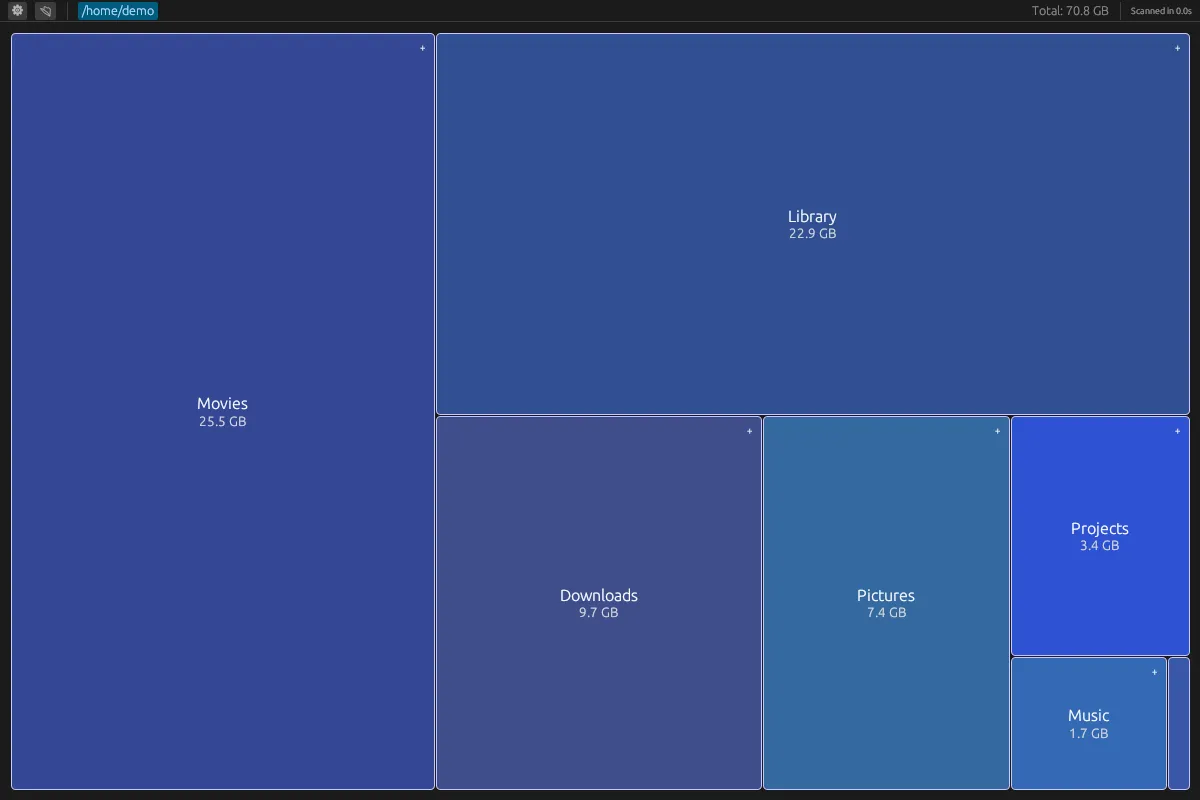
Find the space hogs in seconds, not an afternoon
Interactive treemap
A squarified treemap sizes every file and folder by the space it takes, so the biggest offenders are the biggest blocks. Hover for the exact size.
Parallel scanning
Folders are scanned in parallel with Rayon, using every core you have, with live progress while it works and the scan time shown when it's done.
Drill down, step back
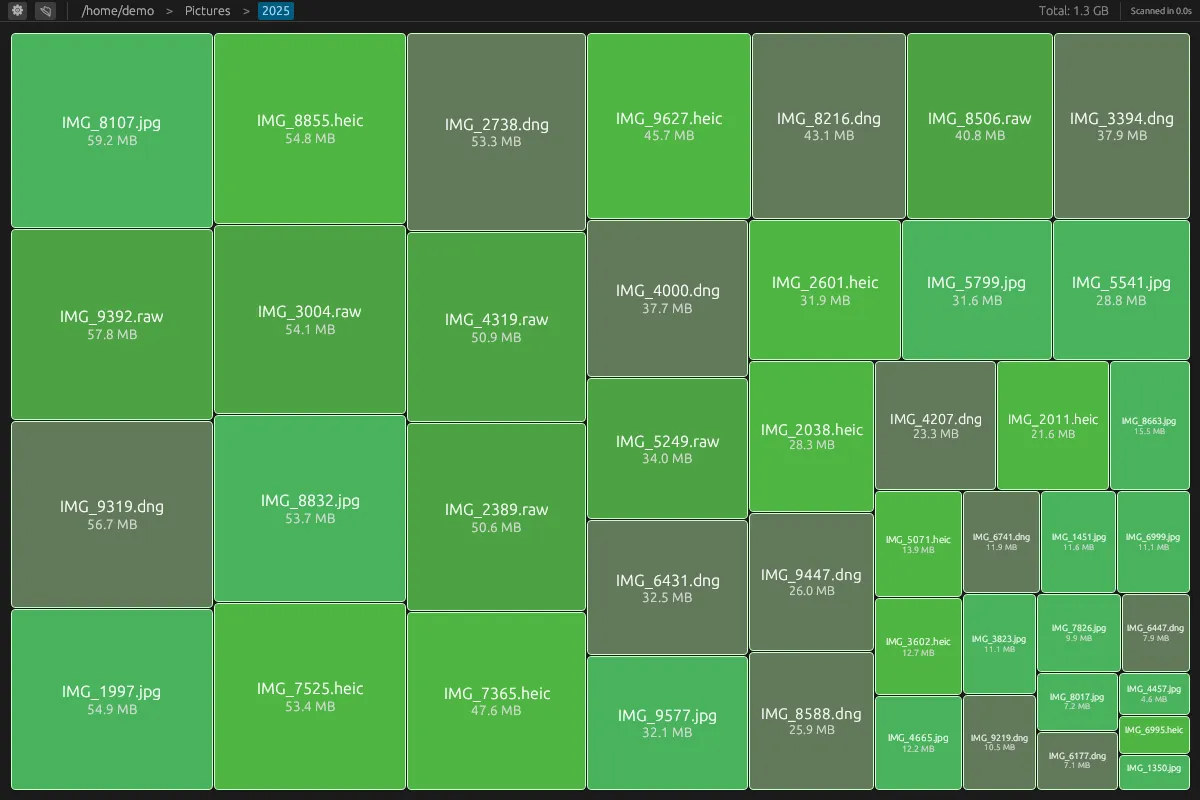
Click a folder to open it in place. A breadcrumb trail along the top takes you back up one level, or all the way to where you started.
Clean up from the map
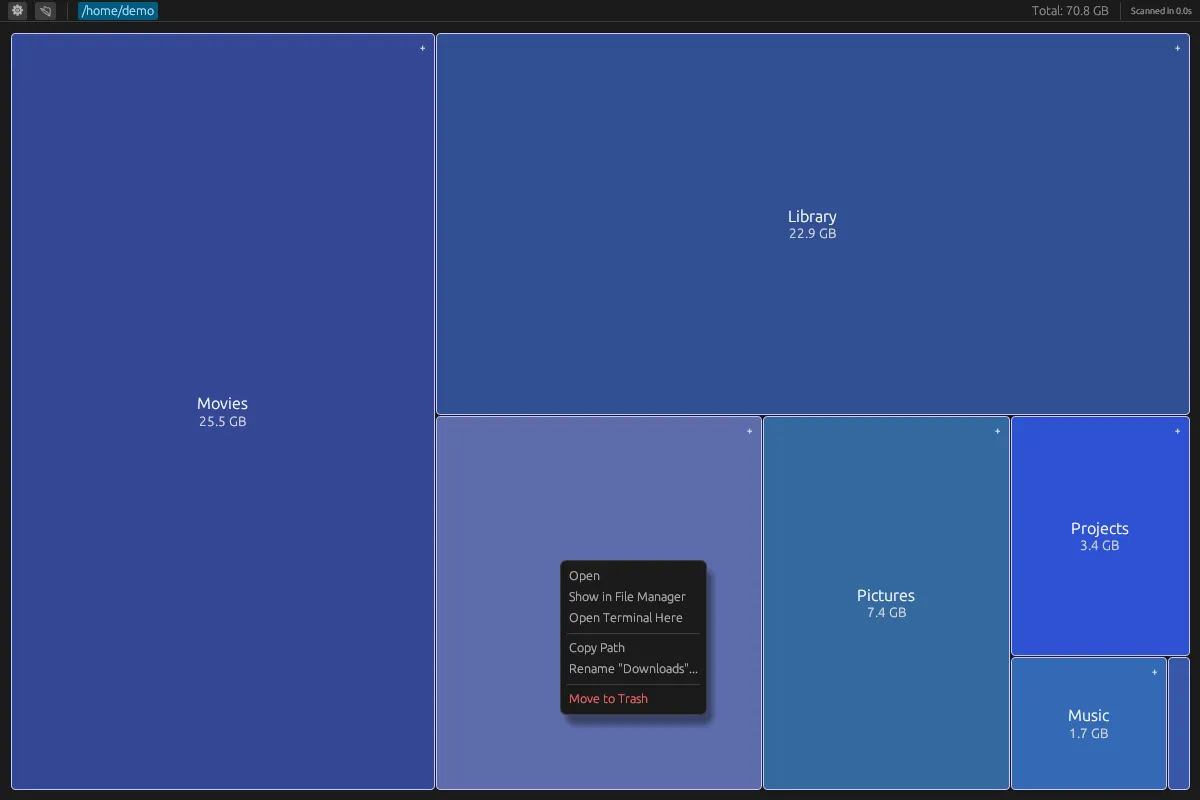
Right-click anything to open it, show it in your file manager, open a terminal there, copy its path, rename it or move it to the trash.
Stays up to date
Files that appear, grow, move or disappear update the map without a full rescan. On macOS and Windows Alocir watches everything you scanned; on Linux, the folder you're looking at, or all of it if you choose.
Six colour schemes
Dark Mode by default, plus Purple Dreams, Daylight, Classic, Sky and Phosphor. Each one styles the whole app. Pick one from the gear menu, or switch while you look.
From the whole drive down to a single file
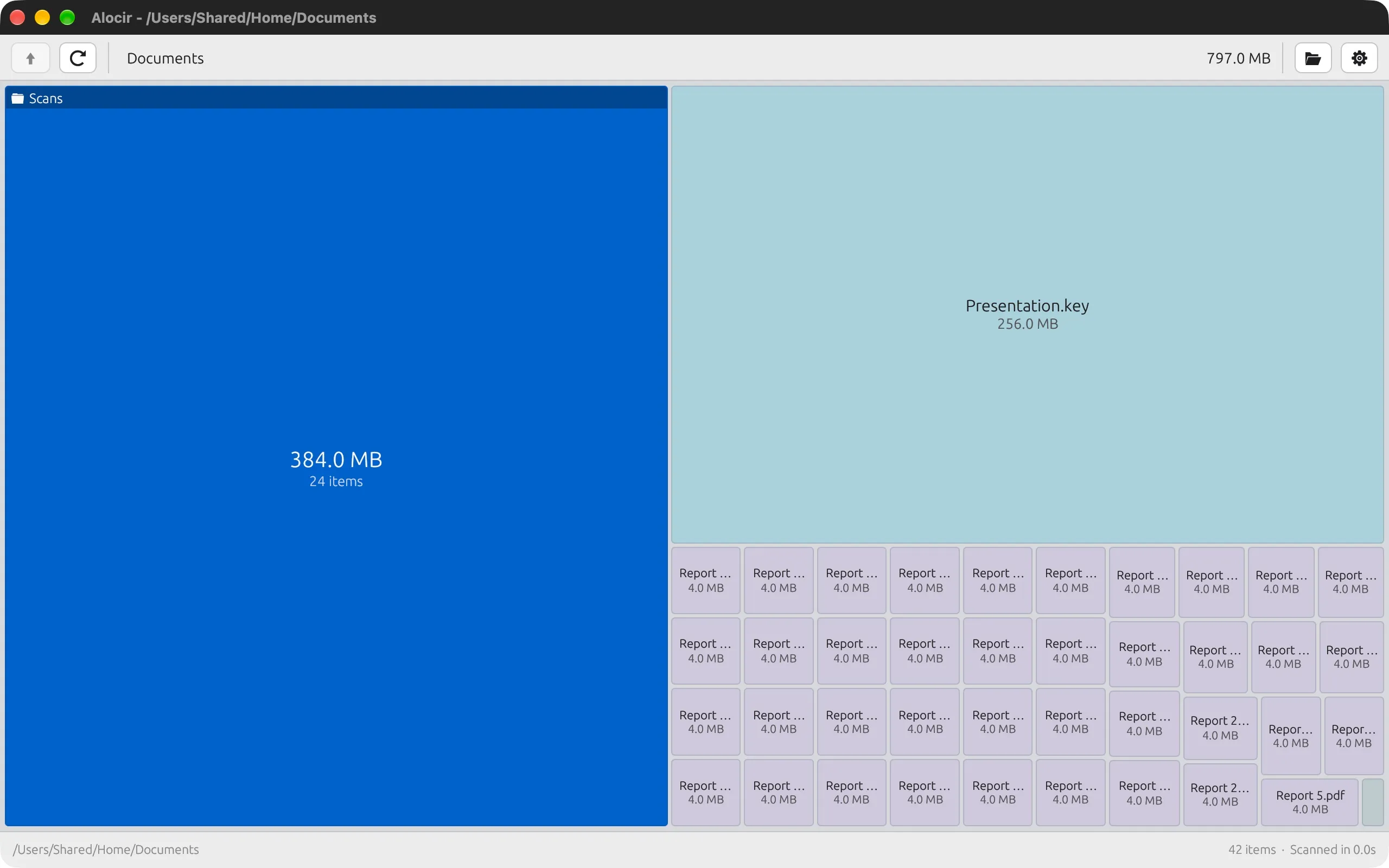
Same disk, six moods
Alocir starts in Dark Mode. Five more schemes are a click away in the gear menu, from a bright daylight look to green-on-black phosphor.
- Dark Mode· default
- Purple Dreams
- Daylight
- Classic
- Sky
- Phosphor
Native Rust, no browser in the box
Rust + egui
A single native binary built on eframe and egui. It starts instantly and stays light, with no Electron runtime and no web view.
Truly cross-platform
One codebase for macOS, Windows and Linux. File actions use each platform's own tools: Finder, Explorer or your file manager, and the system trash.
Open source
Apache-2.0 on GitHub. Build it yourself with cargo run --release, read the treemap code, or send a pull request.
Where did all your disk space go?
Find out in seconds. Alocir is free, open source and runs on macOS, Windows and Linux.